
Free Email Signature Generator
Fill in your details, pick a layout and copy a signature that works in Gmail, Outlook and Apple Mail.
Runs in your browser. Your details aren't saved on our servers.
Paste an image link. Must be a public HTTPS URL (no direct file uploads).
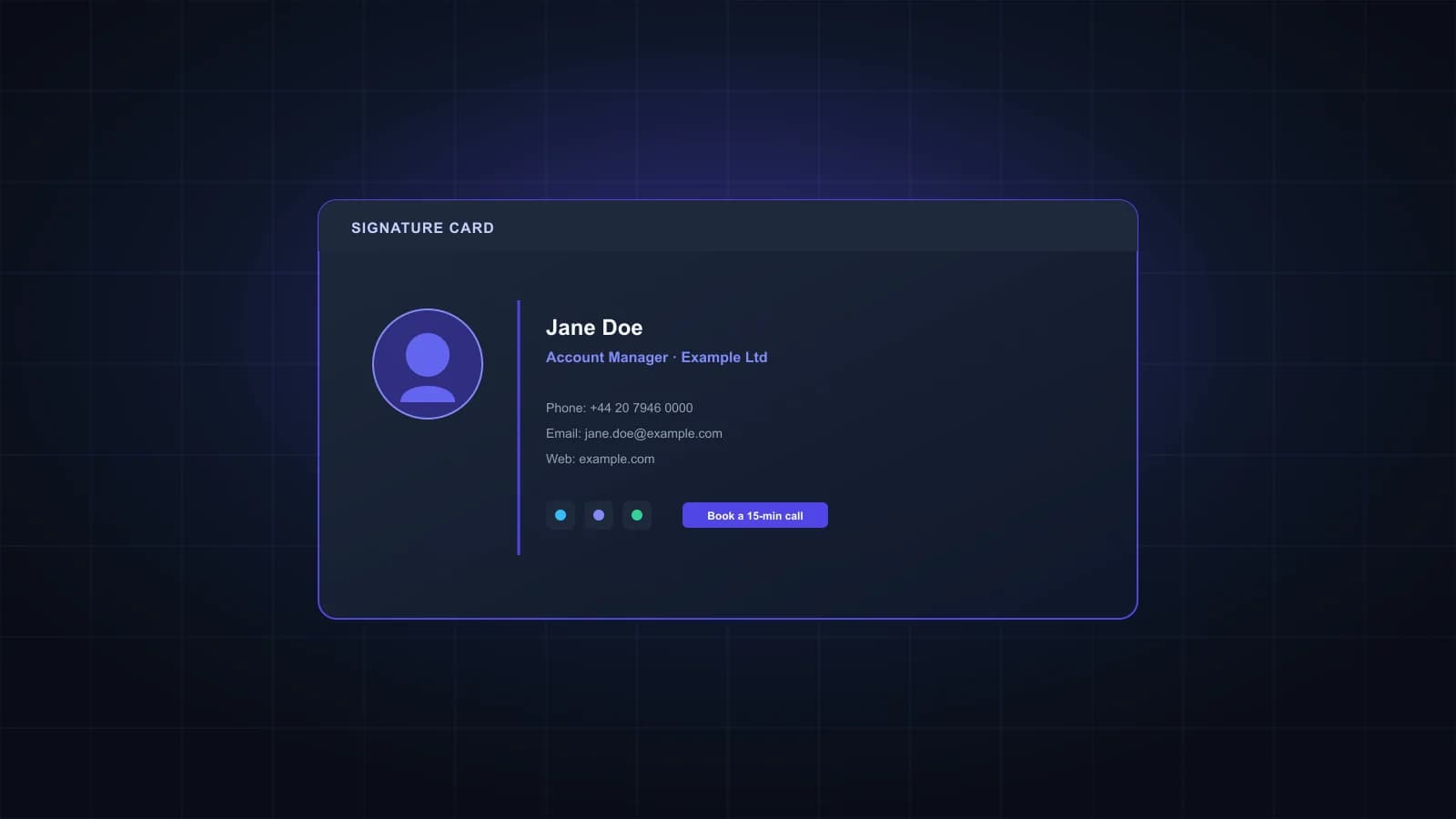
| Jane Doe |
| Account Manager · Example Ltd |
| Phone: +44 20 7946 0000 Email: jane@example.com Web: example.com |
How to make your email signature
- Fill in the details you want to show. Leave anything optional empty and it disappears from the layout.
- Pick a template and an accent color, and check the preview.
- Add your logo or photo by pasting a link to the image. It has to be hosted at a public HTTPS address, such as your company website.
- Click Copy signature and paste it into your email app's signature settings. Steps for each app are below.
How to add it in Gmail, Outlook and Apple Mail
Gmail on the web: open Settings, then See all settings. On the General tab, find Signature, click Create new, give it a name and paste. Scroll to the bottom and click Save changes.
Outlook: in Outlook on the web or the new Outlook, open Settings, then Account, then Signatures. Paste the signature, name it and save. In classic Outlook for Windows, go to File, Options, Mail, Signatures.
Apple Mail: open Mail, then Settings (Preferences on older versions), then Signatures. Select the account, click the plus button and paste. If the formatting changes, untick Always match my default message font.
What makes a signature work everywhere
Keep the important details as text. Outlook often blocks images until the reader allows them, so a signature that's one big image can show up blank. Your name, phone number and website in text always appear.
Keep it short. Gmail limits a signature to 10,000 characters, and images count toward that limit. The counter above shows how close you are.
Keep images small and hosted. Google suggests signature images around 300 to 400 pixels wide and 70 to 100 pixels high. Images must load from a public link; files on an internal server or behind a login won't show for people outside your company.
Expect plain text on phones. The Gmail mobile app only supports plain-text signatures, so use the plain-text copy there.
Professional email signature examples
1. Simple
Jane Doe
Account Manager, Example Ltd
+44 20 7946 0000 · example.com
When to use it: everyday email, where less is better.
2. With a call to action
Jane Doe
Account Manager, Example Ltd
+44 20 7946 0000
Book a 15-minute callWhen to use it: sales and account work, when you want replies to turn into meetings.
3. With a logo
Sam Lee
Head of Partnerships / Example Inc.
(555) 010-4477 · example.com
When to use it: when your brand helps people recognize you.
4. Shared inbox
Example Support Team
help.example.com
Monday to Friday, 9am to 5pm GMT
When to use it: team addresses like support@, where no single person signs off.
Frequently asked questions
Yes. No signup, no watermark and no limit on how many signatures you make.
Only if you tick that option. It’s off by default.
The image link has to be public and start with https. Links to files on internal servers, in private cloud folders or behind a login don’t load for recipients. Some apps, Outlook in particular, also hide images until the reader allows them.
Not yet. Paste a link to an image that’s already online. In Gmail you can also insert an image from Google Drive or your computer in the signature editor itself.
Your name, job title, company and one or two ways to reach you are enough for most people. Add a logo, a photo or one link if they’re useful to the reader, and leave out quotes, long disclaimers and every social network you’re on.
Many phone email apps show signatures as plain text, and the Gmail app only supports plain text. Use the plain-text copy for mobile.
No. The generator runs in your browser, and your details aren’t saved on our servers.
Signature done? Check who you're writing to.
Verify your contact list before your next campaign so your emails reach real inboxes. 1,000 free credits.