
Free Email Extractor
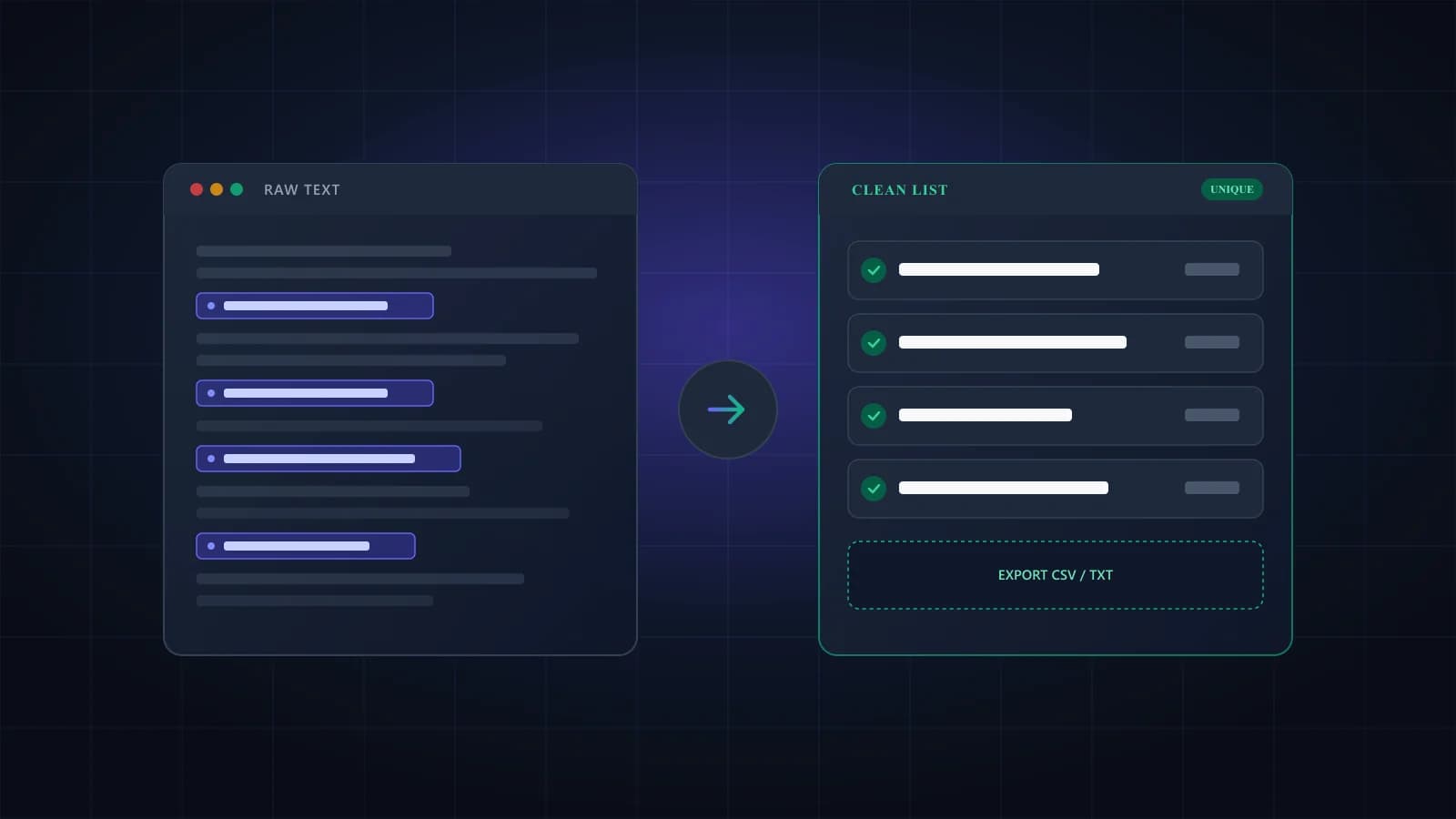
Paste text or drop in files and get a clean, deduplicated list of email addresses. Everything runs in your browser.
Drop files here, or browse
Supports TXT, CSV, TSV, XLSX, XLS, HTML, JSON, EML, VCF, and log files
How to extract emails from text
- Paste text into the box, or drop in one or more files.
- Choose your options: remove duplicates, sort, filter by domain or hide role addresses like info@.
- Click Extract. The list, the counts and the top domains appear below the box.
- Copy the list, or download it as TXT or as a CSV with a domain column.
Nothing you paste or upload leaves your browser, so you can run it on customer exports and internal documents.
What this email extractor finds, and what it skips
The extractor looks for anything shaped like name@domain.tld and then cleans each match. A link like mailto:anna@example.com comes out as anna@example.com, and a comma or bracket stuck to the end of an address is dropped. Retina image names such as logo@2x.png look like emails to a simple pattern, so the tool throws them away, along with other file names like icon@3x.svg.
Pages that hide addresses from bots sometimes write them out as anna [at] example [dot] com. Turn on the written-out option and the tool converts the bracketed forms ([at], (at), {at} and the matching dot versions) back into normal addresses. It's off by default, because looser matching would pull in false positives.
Addresses that differ only in capitals, like Anna@Example.com and anna@example.com, count as one, because the big mail providers treat them as the same mailbox. The reasoning is in are email addresses case sensitive.
The tool only finds addresses that appear in your text. It doesn't search the web, guess missing addresses or fetch pages from a URL.
Files you can use
Plain text formats work as they are: .txt, .csv, .tsv, .log, .md, .json, .xml, .html, .eml and .vcf. Excel files (.xlsx and .xls) are read cell by cell. You can drop several files at once and the results are combined into one list. PDF and Word files aren't supported yet; open them, copy the text and paste it into the box.
Before you email anyone on the list
Finding an address only proves it was written down somewhere. It doesn't tell you the mailbox still exists, and lists pulled from old documents are full of people who've moved on. Sending to those addresses produces hard bounces, which hurt your sender reputation. Run the list through email list cleaning before the first send, or test a single address with the free email checker.
Then think about who you're writing to. Email people who've agreed to hear from you, or where you have another lawful reason to contact them. Privacy and anti-spam rules such as GDPR and CAN-SPAM apply to how you use the list, whatever tool you used to build it.
Frequently asked questions
Yes. There’s no signup and no limit on how many times you run it. Verifying the list afterwards is a separate step, and new Giggal accounts get 1,000 free verification credits.
No. The extraction runs in your browser tab, and nothing you paste or upload is sent to our servers. If you add an Excel file, the page loads the code it needs to read spreadsheets, but your file stays on your device.
Not yet. Open the page, select everything, copy it and paste it into the box. For addresses that only appear in the page code, paste the page source instead.
No. It only finds addresses that appear in your text. To find out whether each mailbox exists, verify the list with email list cleaning or test one address with the email checker.
Large inputs are fine, including exports of 20 MB or more, because the work runs in a background thread on your device. Very large files take a few seconds, and the page stays usable while they’re processed.
Yes. Drop .xlsx, .xls or .csv files onto the box. Every cell is scanned, so it doesn’t matter which column the addresses are in.
Ready to verify your extracted contacts?
Check whether mailboxes exist before sending. 1,000 free credits, no card required.