
BIMI Record Generator
Build the BIMI record for your domain and check that your logo file meets the rules, before you buy a certificate or publish anything.
Runs in your browser. Your logo file isn't uploaded anywhere.
How to set up BIMI
- Get DMARC to enforcement. BIMI doesn't work at p=none; your policy has to be quarantine or reject. The DMARC generator can build that record.
- Prepare your logo as an SVG Tiny PS file and test it with the logo checker above.
- Decide on a certificate. Gmail shows BIMI logos only with a VMC or a CMC, and Apple Mail only with a VMC.
- Host the SVG and, if you have one, the certificate's PEM file at HTTPS addresses.
- Publish the record from this generator as a TXT record at default._bimi.yourdomain.
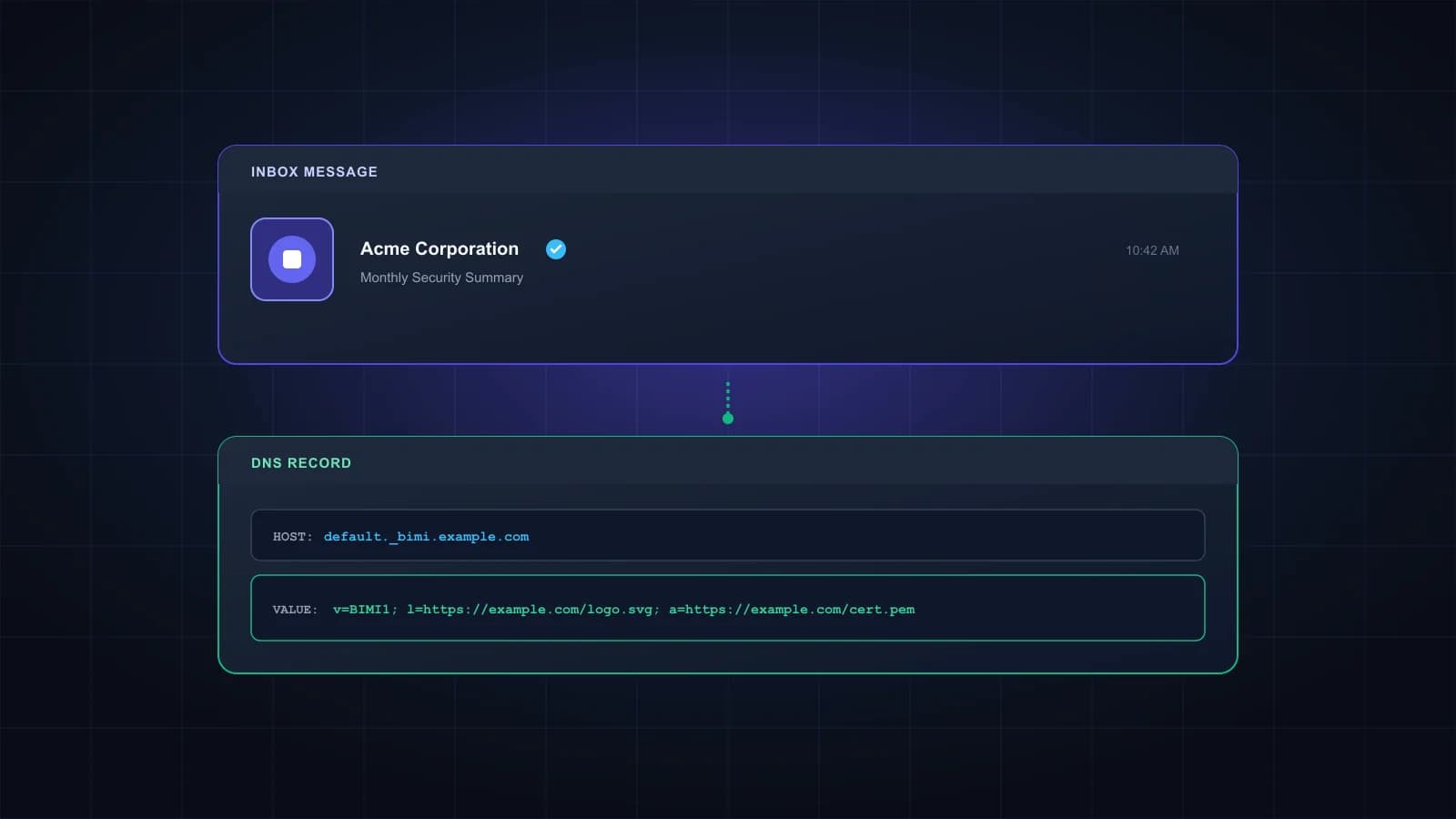
What a BIMI record contains
| Tag | What it does | Example |
|---|---|---|
| v | Version, always BIMI1 | v=BIMI1 |
| l | HTTPS address of your SVG logo | l=https://example.com/bimi/logo.svg |
| a | HTTPS address of your VMC or CMC certificate (a PEM file) | a=https://example.com/bimi/cert.pem |
Google's own examples show two forms: a record with only l=, and one with l= left empty and a= pointing to the certificate, because the logo is embedded in the PEM file. If you have a certificate, follow what your certificate provider recommends; the generator can produce either form. A newer optional avp= tag tells providers whether the logo is a brand or a personal avatar, and most senders leave it out.
The logo rules the checker tests
BIMI logos use SVG Tiny PS, a cut-down version of SVG built for safe display in inboxes. The root element needs baseProfile set to tiny-ps and version set to 1.2, the image has to be square, and it needs a title element with your brand name. Scripts, embedded raster images, animation and links to outside files aren't allowed, and the file should stay under 32 KB. A regular SVG exported from a design tool usually breaks at least one of these rules, which is why it's worth checking before you apply for a certificate.
VMC or CMC: which certificate you need
Gmail shows BIMI logos only when the record points to a certificate. A VMC (Verified Mark Certificate) needs a registered trademark and adds Gmail's blue checkmark. A CMC (Common Mark Certificate) is for logos that aren't trademarked; Gmail shows the logo, but without the checkmark. Apple Mail accepts only a VMC. Some other providers, Yahoo and Fastmail among them, can show a logo from a record with no certificate at all. Certificates come from a short list of certificate authorities, and Google publishes the ones it accepts.
Frequently asked questions
No. Google states that BIMI doesn’t support a DMARC policy of none. Your policy needs to be quarantine or reject.
You need either a VMC or a CMC. A VMC needs a registered trademark and gets the blue checkmark; a CMC doesn’t need a trademark and shows the logo without it.
The usual causes are DMARC still at p=none, mail that doesn’t pass DMARC, an SVG that isn’t valid Tiny PS, a missing or expired certificate, or an inbox that doesn’t support BIMI. Providers can also take a while to pick up a new record.
Not directly. BIMI only shows a logo on mail that already passes DMARC at enforcement. The work it takes to get there, getting SPF, DKIM and DMARC right, is what helps your mail arrive. See SPF, DKIM and DMARC explained.
The DNS name where providers look for your BIMI record. default is the selector. You only need a different selector, plus a BIMI-Selector header in your mail, if you want different logos for different kinds of mail.
No. The checker reads the file in your browser.
Logo ready? Check your list too.
BIMI only helps mail that reaches the inbox. Verify your list so it doesn't bounce. 1,000 free credits.