
Why Do Emails Bounce? Causes and What to Do Next
Cold emails bounce when the receiving server refuses the message and returns it instead of delivering it. If you have just run a campaign and want to know why do cold emails bounce more than your ordinary mail, most of it comes down to two things. You are contacting people who never asked to hear from you, so the list is colder and less accurate, and you are sending from a domain the recipient's server has no history with. The individual reasons sit underneath those two.
What is a bounced email?
A bounced email is a message the receiving mail server refused and sent back, with a reason code, instead of putting it in a mailbox. The reply comes from the server, not the person, and it arrives as a non-delivery report (NDR) in the sender's inbox or the sending tool's bounce log. The code in that report is the useful part: a 5xx code is a permanent refusal, a 4xx code is a temporary one. "Bounced email meaning" questions almost always come down to reading that code.
Hard bounces and soft bounces are not the same problem
The first thing to check is which kind of bounce you got, because it changes what you do next.
A hard bounce is permanent. The address does not exist, the domain does not exist, or the server has flatly refused it. A message that hard bounces will never be delivered, and the address should come off your list straight away. A soft bounce is temporary. The mailbox was full, the server was busy, or the message was held for a closer look. Soft bounces sometimes clear on their own, and a sending tool will usually retry them for you.
The reason the distinction matters is reputation. Mailbox providers watch how often you send to addresses that hard bounce, and a pattern of it marks you as someone working from a bad list. One dead address is noise. A campaign full of them is a signal.
The usual causes, most common first
Bounces cluster around a handful of causes. Roughly in the order they show up on cold campaigns:
- The address no longer exists. People change jobs, and the mailbox is deleted while the contact record lives on in a database you bought or scraped.
- The domain itself is gone. Small companies fold, their domain stops resolving, and there is no server left to accept anything.
- The mailbox is full. Common on neglected or personal addresses, and usually a soft bounce.
- The receiving server rejected your sending domain. This is a reputation or policy block, not a problem with the recipient.
- Greylisting. The server temporarily refuses a first attempt from an unknown sender and accepts the retry a few minutes later.
- Spam filtering. The message was declined on content or policy grounds before it reached the inbox.
The order matters because the top two, dead addresses and dead domains, are the ones verification catches, and they are also the most common on a purchased or scraped list. The causes lower down have more to do with timing and your own setup than with the address.
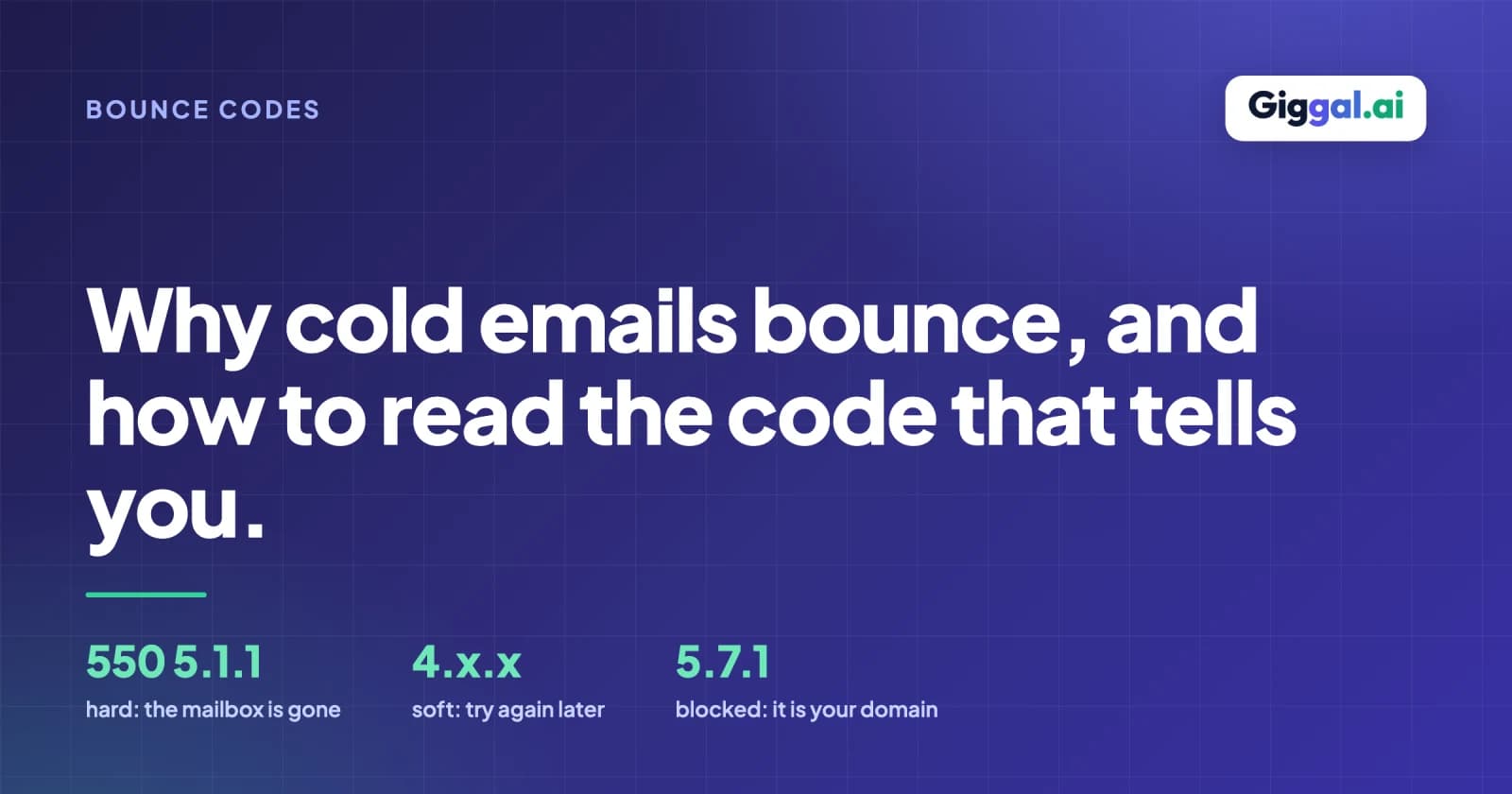
You can often read the cause straight from the bounce message. A line like 550 5.1.1 user unknown is a hard bounce for an address that does not exist. A 451 4.7.1 greylisted, try again later is a soft, temporary refusal that usually clears on the retry. Learning to read the code saves you from guessing at the reason.
What does "email bounce back" mean?
Bounce back is the everyday name for the same thing: your message came back to you. The wording in the report varies by provider. Gmail says "Address not found", Microsoft 365 says "Recipient address rejected", and Postfix-style servers quote the raw SMTP line, 550 5.1.1 User unknown. All three mean the mailbox is not there. A bounce back that mentions "mailbox full", "greylisted" or "try again later" is temporary and will usually clear on the retry your sending tool makes.
Not every bounce is a list problem
It is tempting to read every bounce as a bad address, but a real share of cold-email bounces have nothing to do with your list. If your sending domain is new and has not been warmed up, servers treat it with suspicion and reject more of your mail. A brand new domain sending a few hundred cold emails on its first day will see bounces that a six-month-old domain sending the same list would not. If your SPF, DKIM or DMARC records are missing or set up wrong, some providers refuse you before they even look at the recipient.
Neither of those is fixed by cleaning addresses. They are sender-side problems, and they show up as bounces that look identical to a dead-address bounce until you read the reason behind them.
What do I do with a bounced email?
One address: read the code. A 5.1.1 or "user unknown" means the mailbox is gone; remove it and, if the contact matters, find their current address rather than retrying. A 4.x.x or "mailbox full" means wait; your tool retries on its own. A 5.7.1 or "blocked" points at your sending domain, not the recipient, so check SPF, DKIM and DMARC before sending anything else. If you are not sure whether an address is still live, run it through the free email checker before you send again.
What to do after a campaign bounces
Start by pulling every hard bounce out of your list and not sending to those addresses again. Do not retry them, and do not leave them in for the next send hoping they recover, because they will not, and each repeat attempt costs you reputation. Leave the soft bounces alone; your sending tool handles those retries.
Then look at the ratio. If a large fraction of a fresh list bounced on the first send, the list was bad before you touched it, and the fix is upstream, at the point where you collect or buy addresses. Cleaning after the fact helps the next send, but it does not undo the reputation hit from this one.
The list source is usually the real story
Where a list came from predicts how it will bounce. A list you exported from your own CRM, made of people who have replied to you before, bounces very little. A list scraped from the web or bought from a broker bounces far more, because the addresses were collected once and never checked again, and a slice of them died in the time since. If you know a list is bought or scraped, assume some of it is stale and run it through an email list cleaner before the first send rather than learning it from the bounce report.
Where verification helps, and where it does not
Verification removes the addresses that would hard bounce before you send, which is the single biggest lever on a cold list. Checking the list first turns a guess into a known quantity, and it is worth doing on any list you did not build yourself.
What it will not do is fix a misconfigured DNS record or warm up a cold domain. Those are sender problems, and no amount of list cleaning touches them. So split your bounces by cause. If they are addresses that no longer exist, run the list through email verification before the next send. If they are authentication or reputation failures, the work is on your own domain, not the list.