
How accurate are email verification tools, really
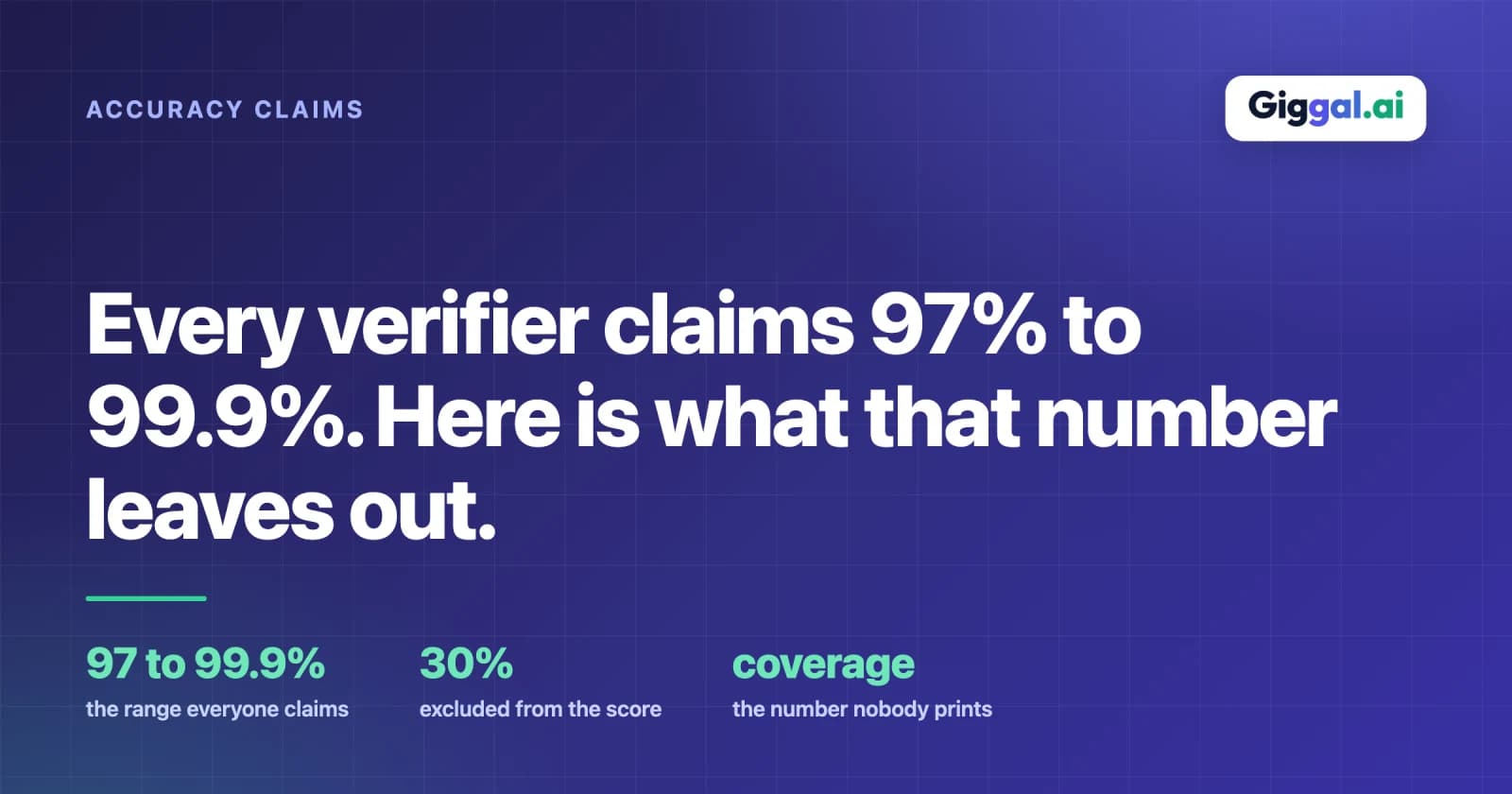
Open the pricing page of any ten email verifiers and you will find ten accuracy claims between 97% and 99.9%. We publish one too. The numbers are so tightly clustered that they carry almost no information, which is a strange outcome for a metric that is supposed to help you choose.
The clustering is not a conspiracy. It happens because there is no agreed definition of what is being measured, so each vendor picks a measurement that is true and flattering, and true-and-flattering measurements converge.
What the number is usually measuring
The common definition is something like: of the addresses we returned a definitive result for, what share did we get right. Read that carefully, because the qualifier is doing an enormous amount of work.
Addresses the tool declined to judge are not in the denominator. If a verifier returns valid or invalid for 70% of your list and labels the other 30% risky, its accuracy is calculated on the 70%. The hard third, the part you actually needed help with, is excluded from the score by construction.
This is why accuracy alone tells you very little, and why a second number matters at least as much: coverage, meaning the share of the list the tool was willing to commit on. A tool at 99% accuracy and 70% coverage is doing less for you than one at 97% accuracy and 95% coverage, even though the first number looks better. Very few vendors publish coverage. Anymail Finder is one that does, quoting 86.4% coverage alongside its 98.9% accuracy, and that pairing is more useful than either figure alone.
Why every tool is accurate on the easy part
On an ordinary domain with a normal mail server, verification is close to solved. The server keeps a list of its mailboxes and answers honestly when asked, so a verifier reads the answer and writes it down. There is not much room for a vendor to be better or worse at this.
Which means the headline accuracy figure is largely a measurement of performance on the part of the job that is not hard. Differences between tools show up somewhere else entirely.
Where they actually differ
Two categories break the standard check, and how a tool handles them is the real product difference.
Catch-all domains accept mail for every possible address, real or not. The server is configured to take anything so that shared aliases, typos and departed staff all land somewhere. Ask it about a mailbox that was never created and it says yes. Around 30% of a typical B2B list sits on domains like this.
Secure email gateways produce the same symptom for a different reason. Proofpoint, Mimecast, Barracuda and similar products filter mail at the perimeter and accept everything before deciding what to do with it, so the acceptance you get back means nothing about whether a mailbox exists. Enterprise domains are heavily represented here, which means the contacts you care about most are the ones most likely to be affected.
Between them, these two categories are where a verification tool earns its price or does not.
Reading a vendor's claim properly
Three questions get past the marketing.
What is the denominator? Ask whether the accuracy figure includes the addresses returned as risky or unknown. If it does not, ask what percentage of a typical list falls into that bucket. A vendor who will not answer the second question has told you something.
Was the test independent? Most published benchmarks are run by vendors, and vendor benchmarks have a strong tendency to rank the vendor first. We cite one on this site, a LeadMagic test from February 2026 covering 10,000 real B2B addresses with 28% on catch-all domains. It is genuinely useful data and LeadMagic ranked itself first in it, which you should factor in. Giggal.ai was not one of the tools measured.
Does accuracy mean the same thing as deliverability? It does not. A mailbox can exist and still refuse your message because of filtering, reputation or content. Verification tells you the address is real. It does not promise the message arrives. Vendors who blur this are selling you something they cannot deliver.
Testing it yourself, which is the only thing that settles it
This takes an afternoon and beats every claim on every pricing page.
Build a sample of about 500 addresses from your own data rather than a public test set. Mix them deliberately: some you know are live because those people have replied to you, some you know are dead from previous bounces, and a decent slug from catch-all and enterprise domains. The known-good and known-dead addresses are your control, since you can check the tool's answer against a fact you already have.
Run that sample through two or three tools. Then compare three things.
First, the known addresses. How many live ones were correctly called valid, and how many dead ones correctly called invalid. A tool marking your known-live contacts invalid is worse than useless, because you will delete real leads on its say-so.
Second, coverage. Count the rows returned as risky, unknown, accept-all or catch-all. That count is the part of your list the tool could not help with, and it is usually the most revealing number in the whole exercise.
Third, and only if you can, send to a slice of what each tool called valid on the catch-all domains and watch the actual bounce rate. This is the only measurement that tests the claim rather than the marketing, and it is the reason a free tier that only allows single lookups is not much of a free tier. You need bulk to run this at all.
What we claim, and what that is worth
Giggal.ai claims 98.5% accuracy on standard business lists, and typical bounce rates under 3% on a cleaned list. Those are our numbers, measured by us, and you should treat them with the same suspicion you apply to everyone else's until you have run the test above.
What we would rather be judged on is coverage. The design goal was to return valid or invalid on catch-all and gateway-protected addresses instead of a label, across fifteen named gateways, so that the risky bucket is small rather than a third of the file. Whether that holds on your data is a question your own 500-address sample answers better than this page can.
The free tier is 1,000 credits, no card required, and it works on a bulk upload specifically so the test is possible. To check a single address first, use the email address checker. If you want the background first, we have written up what risky actually means and how gateway-protected mailboxes get verified.