
What does "risky" mean in email verification?
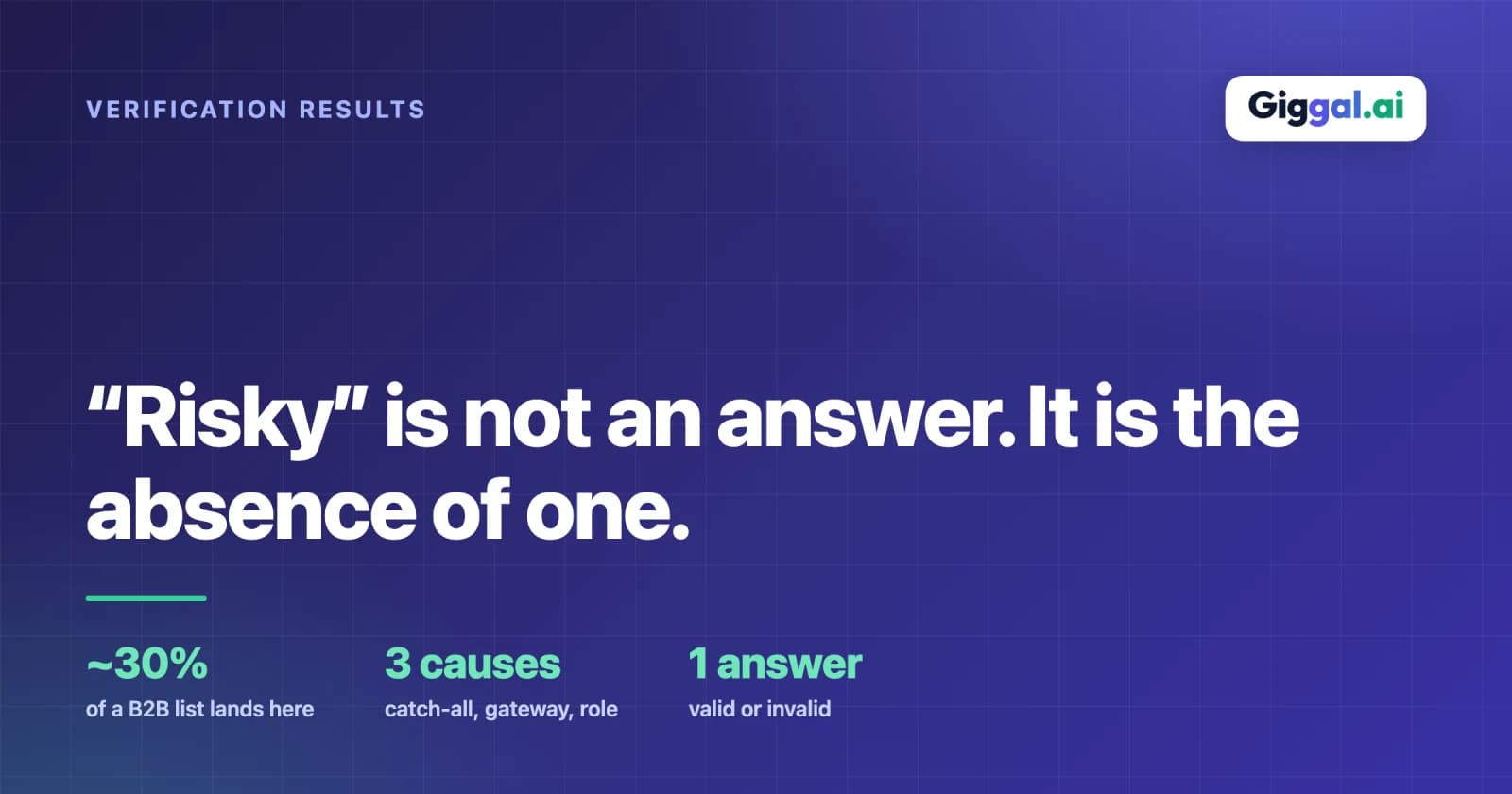
Risky is not an answer. It is what a verification tool prints when it could not reach one. If you are looking at a results file with a Risky column and searching for the risky email verification meaning, that is the whole of it. The tool checked the address, could not confirm the mailbox as real, could not prove it fake, and filed it under a label that means unresolved rather than bad.
What actually ends up in the Risky bucket
The label covers a mix of situations that share one trait: the check could not produce a clean answer. The most common members:
- Catch-all domains, which accept mail for every name and so confirm nothing about a specific address.
- Role-based addresses like info@, sales@ and support@, which reach a shared inbox rather than a single person.
- Greylisted servers that deferred the check and would need a later retry to answer.
- Mailboxes that were temporarily unavailable or full when the check ran.
- Addresses with weak quality signals, where nothing is clearly wrong but nothing is clearly right either.
None of these are the same problem, which is part of why one Risky label is so frustrating to act on. It groups an address that is probably fine with one that is probably dead and gives them the same colour.
Why tools play it safe
A verifier marks an address Risky rather than guess because a wrong answer is expensive. Call a dead address deliverable and the sender takes a bounce and blames the tool. Call a real address invalid and the sender deletes a customer. Faced with an address it cannot resolve cleanly, the cautious move is to hand the decision back to you with a label that commits to nothing. That is rational for the tool. It just means the Risky column is where the tool stopped, not where the answer is.
Risky does not mean invalid
The most costly misreading is treating Risky as a polite word for invalid. It is not. Invalid means the tool confirmed the address will not deliver. Risky means it could not confirm anything either way. Deleting Risky addresses as if they were invalid throws out the ones that would have delivered fine, which on a business list is most of them. If you take one thing from this, let it be that Risky and Undeliverable are different columns for a reason, and only one of them is safe to delete on sight.
The same address gets more than one label
Run one address through three tools and you can get different words for the identical situation. One calls it Risky. Another prints Accept-All. A third prints Catch-All. The address did not change; the vocabulary did. These labels are describing the same underlying uncertainty rather than three separate findings, and knowing that saves a lot of confusion when two reports seem to disagree.
On our own results we use four plain labels, Deliverable, Undeliverable, Risky and Unknown, and we reserve Unknown for gateway cases rather than using it as another word for catch-all. The point is not the specific words. It is that a cautious label from any tool is an admission that the standard check ran out of road.
How to triage the bucket yourself
You can do a rough sort before reaching for a deeper tool. Greylisted addresses often just need the check run again a little later, because the deferral was temporary. Role-based addresses are a judgement call; info@ and sales@ reach a shared inbox, which is fine for some outreach and useless for other kinds. Catch-all addresses are the ones that genuinely cannot be settled by a standard check and need resolving at a deeper level. Splitting the column this way turns one intimidating pile into three smaller decisions, and only the last really needs specialist handling.
The advice everyone gives, and the problem with it
The standard recommendation is to suppress Risky addresses. Take them out, do not send, keep your bounce rate clean. It is safe advice, and on a small list it costs little. On a B2B list, blanket suppression is the most expensive default in list hygiene. Catch-all domains alone can account for a large share of business contacts, and a good portion of those are real, active people. Remove the entire Risky column and you are not trimming junk, you are deleting a slice of your addressable market to make a metric look tidy.
Put numbers on it. On a 10,000-contact B2B list it is common for a few thousand addresses to land on catch-all domains and get filed as Risky. If the usual pattern holds and most of those mailboxes are real, suppressing the whole group drops thousands of reachable people to avoid a few hundred bounces.
The trade-off, stated plainly
There is no free option here, only a choice. Suppress the Risky addresses and you protect your sender reputation while losing reach, some of it real. Send to them and you keep the reach while accepting bounces and the reputation cost that comes with them.
The way out of that trade is to resolve the addresses instead of guessing, so the ones that are genuinely deliverable come back as Deliverable, the dead ones as Undeliverable, and the Risky column shrinks to the few that truly cannot be settled. If that is what you need, you can verify catch-all & risky emails and decide from real results rather than a cautious label.