
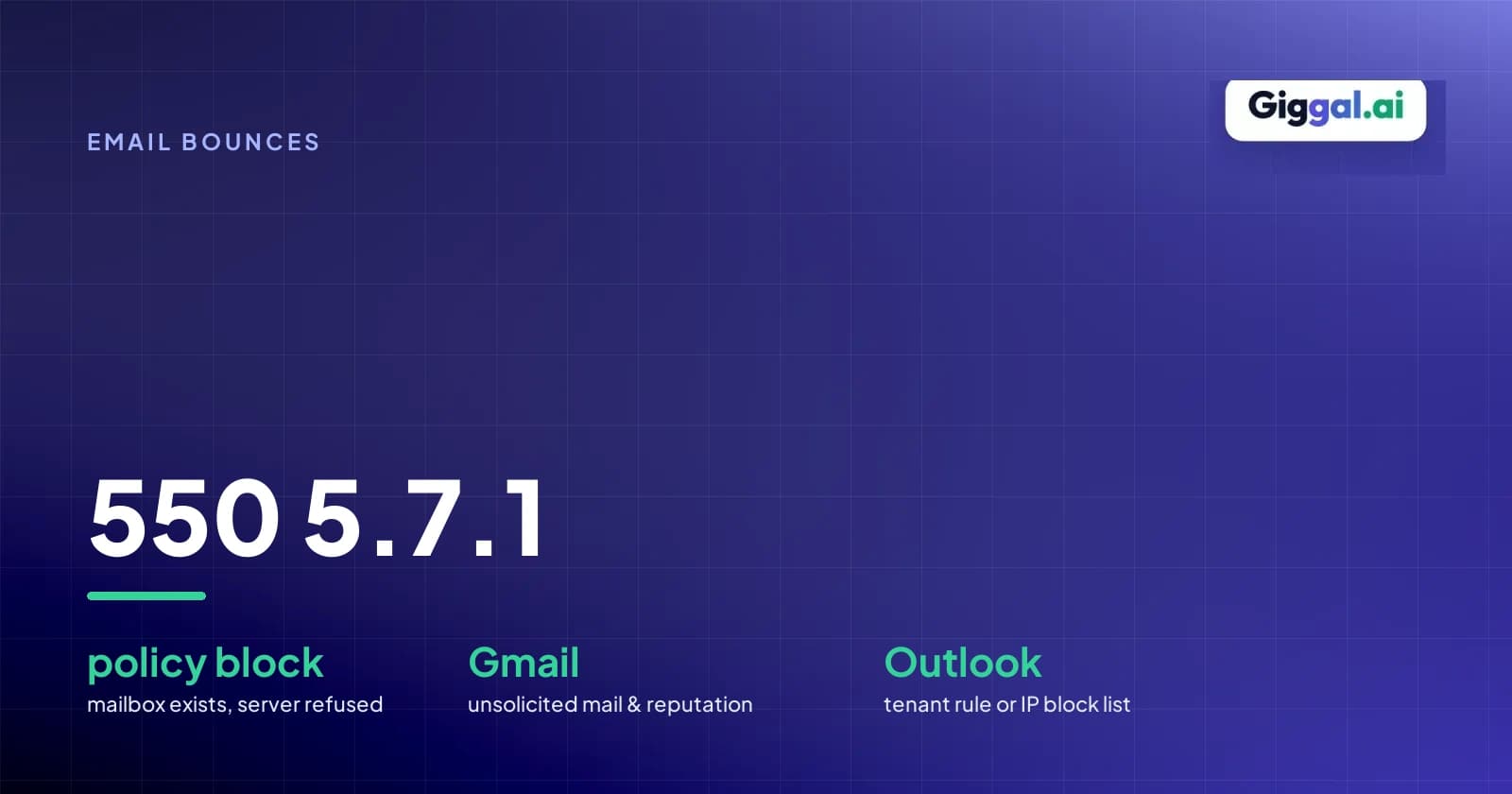
550 5.7.1: What the Bounce Is Telling You and How to Fix It
A 550 5.7.1 bounce means the receiving server looked at your message and decided not to take it, usually because of a security or policy rule. It doesn't mean the email address is dead or deleted. Most of the time the mailbox is fine. The trouble is that the same code covers very different problems, from a missing SPF record to a distribution group that only accepts internal mail, so the code alone won't tell you what to fix. The line of text after it will, along with the name of the server that sent the bounce.
Read three things in your bounce first
Open the full bounce, not just the summary your email platform shows. You're looking for the code, the server that turned the message away, and the text after the code.
A Gmail rejection looks like this in the raw bounce:
Remote-MTA: dns; gmail-smtp-in.l.google.com
Diagnostic-Code: smtp; 550-5.7.1 [203.0.113.10] Our system has detected that this message is likely unsolicited mail. To reduce the amount of spam sent to Gmail, this message has been blocked. - gsmtp
In this excerpt, the server that answered sits on the Remote-MTA line: gmail-smtp-in.l.google.com. The code appears on the Diagnostic-Code line as 550-5.7.1. The text after the IP says Gmail's filters decided the message looked like spam. The trailing string - gsmtp confirms that Gmail generated the bounce. If you see the marker gcdp instead, such as in 550 5.7.1 This message violates example.com email policy. - gcdp <sessionid> - gsmtp, the rejection comes from a rule the recipient's Google Workspace admin created.
The same code from Outlook.com reads very differently:
Remote-MTA: dns; outlook-com.olc.protection.outlook.com
Diagnostic-Code: smtp; 550 5.7.1 Unfortunately, messages from [203.0.113.10] weren't sent. Please contact your Internet service provider since part of their network is on our block list (S3150).
A host ending in protection.outlook.com means Microsoft's servers rejected it, and names like outlook-com.olc.protection.outlook.com belong to consumer Outlook.com and Hotmail rather than a company's Microsoft 365 setup. The code matches the Gmail example, but the cause is completely different. S3150 means the IP you sent from, or part of its network, is on Microsoft's block list, and it has nothing to do with the recipient's address.
Find your exact 550 5.7.1 message
Each mail system words its 550 5.7.1 differently. Match the text in your bounce to a row below.
| Text in the bounce | Sent by | What it means | Who can fix it |
|---|---|---|---|
| Our system has detected that this message is likely unsolicited mail. To reduce the amount of spam sent to Gmail, this message has been blocked. - gsmtp | Gmail | Spam filters blocked the message due to sender reputation, volume spikes, or user complaints | Sender |
| This message violates example.com email policy. - gcdp <sessionid> - gsmtp | Google Workspace | A Workspace admin created a custom routing rule, compliance filter, or attachment policy that blocked the message | Recipient admin |
| Invalid credentials for relay [IP]. | Google Workspace | The sending application tried to use the Google Workspace SMTP relay service without valid credentials | Sender |
| Daily SMTP relay sending limit exceeded for this customer. | Google Workspace | The Workspace account reached its daily outbound relay threshold | Sender |
| Unfortunately, messages from [IP] weren't sent. Please contact your Internet service provider since part of their network is on our block list (S3150). | Outlook.com | Microsoft added the sending IP address or network range to its consumer block list | Sender or ISP |
| Unable to relay | Exchange and many other servers | The server refused to forward the message because SMTP authentication was omitted or a connector was misconfigured | Sender or sender admin |
| Delivery not authorized, message refused | Various mail servers | The receiving server refused the message under an internal policy and gave no further detail | Sender or recipient admin |
| Relaying denied | Various mail servers | The server does not allow third-party messages unless the client authenticates first | Sender |
The vaguest version is the bare RFC 3463 wording, 550 5.7.1 Delivery not authorized, message refused, with nothing after it. Some servers keep the reason short on purpose so spammers can't learn what tripped the filter. If you send through a relay or smarthost, first check that your app actually logs in (SMTP AUTH) before it sends, because an unauthenticated connection is a common cause on your side. If it does, ask the recipient to look the message up in their own mail logs, which is usually the only place the real reason is recorded.
If the problem is on your side
If the bounce points to authentication, reputation or relay, you can fix it without the recipient. Check authentication first, since a reputation fix won't help while SPF or DKIM is failing.
Gmail and Outlook.com both reject a lot of unauthenticated mail outright now, so start with DNS. Your sending domain needs SPF, DKIM and DMARC records (DKIM is often a CNAME your email provider gives you). Check the SPF record first. It must list every server IP and delivery service transmitting messages on your behalf. RFC 7208 limits domains to one SPF record and ten DNS lookups; publishing multiple records or exceeding ten lookups causes automatic PermError failures. Then send yourself a test message and open the headers. Gmail's "Show original" view lists SPF, DKIM and DMARC as PASS or FAIL, which is quicker than reading DNS records. The DMARC record lives at _dmarc.yourdomain.com, and the domain in your From address has to match the domain that passed SPF or DKIM.
If authentication passes and Gmail still says "likely unsolicited mail", the problem is usually reputation, meaning how recipients have reacted to your past mail. Google Postmaster Tools shows your spam rate, and Google asks senders to keep it below 0.1% and never let it reach 0.3%. If it's climbing, pause the campaign instead of pushing more volume through. Mail that was landing in spam tends to start bouncing outright as reputation keeps dropping.
List quality feeds straight into that. Old lists are full of abandoned mailboxes, and some providers turn long-dead addresses into spam traps. Hitting them, or bouncing off lots of addresses that no longer exist, tells filters you aren't keeping your list clean. If the list is more than a few months old, or came from a scrape or a purchase, check the list before you send.
Relay errors are a separate problem. Unable to relay or Invalid credentials for relay [IP] means the server you're sending through doesn't recognize your app as allowed to use it.
If you route messages through the Google Workspace SMTP relay service, open Google Admin, go to Apps, select Google Workspace, open Gmail, and view Routing. Check the SMTP relay service configuration. If you authenticate by IP address, confirm your server IP appears in the allowed list. If you authenticate by credentials, verify that your application connects over port 587 with TLS and the right account credentials. If you send through Microsoft 365, open the Exchange admin center and inspect your Mail flow connectors. Apps and devices that send through Microsoft 365, like a CRM or an office scanner, usually go through a connector, and a wrong IP address or certificate name on that connector is a common reason for 550 5.7.1 Unable to relay.
If only the recipient can fix it
Sometimes the block is deliberate. Companies on Microsoft 365 or Google Workspace often set rules that stop outside senders from reaching certain addresses.
A common one is a distribution list like all-staff@ that only accepts mail from inside the company. Email it from outside and Exchange Online bounces you with 550 5.7.1, often naming the group. Microsoft's own troubleshooting page says the sender typically can't fix this. The group owner or an Exchange administrator must edit the group in the Microsoft 365 admin center and add your address to the permitted senders list.
Google Workspace works the same way. The string gcdp in a Gmail bounce means an administrator created a custom rule in Google Admin that rejected your message based on content, attachments, or sender domain. Nothing you change on your side will get around it.
In that case, ask the recipient to pass the bounce to their IT team. Give them the sending address, the recipient address, the time it bounced and the full bounce, for example:
Hi [Name], an email I sent you on [Date] at [Time] bounced back with a 550 5.7.1 policy error. It looks like a rule on your mail system blocked it. Could you share the bounce details below with your IT team so they can permit delivery from my address?
Sender: [Your Email]
Recipient: [Their Email]
Diagnostic: [Paste Diagnostic-Code line]
Codes you might see next to 550 5.7.1
These are the SMTP error codes that most often turn up in the same bounce report. Some mean the address is gone; others mean the address is fine and your setup needs work.
| Code | Usually from | What it means | First thing to try |
|---|---|---|---|
| 550 5.1.1 | Gmail, Microsoft, most servers | The recipient mailbox does not exist on the target server | Remove the invalid address from your mailing list permanently |
| 550 5.4.1 | Microsoft 365 | Recipient address rejected by Directory-Based Edge Blocking | Verify the recipient still works at the target company |
| 550 5.7.25 | Gmail | Sending IP address lacks a valid reverse DNS (PTR) record | Configure a PTR record with your hosting provider matching your hostname |
| 550 5.7.26 | Gmail | Message failed authentication checks under SPF or DMARC | Correct SPF record syntax and align DKIM signing domains |
| 550 5.7.27 | Gmail | Your message failed SPF | Add your outbound server IP address to your domain SPF record |
| 550 5.7.28 | Gmail | Sending IP generated an unusual rate of unsolicited mail | Slow down sending cadence and audit user spam complaints |
| 550 5.7.515 | Outlook.com | High-volume domain lacks required SPF, DKIM, or DMARC records | Align SPF and DKIM and publish a compliant DMARC record |
For how temporary and permanent bounces differ in general, see our guide on hard bounces vs soft bounces. In practice, remove an address after a 550 5.1.1, but keep it after a 550 5.7.26, because there the address is fine and your authentication is what failed.
550 5.7.515 only applies to bigger senders. Since 5 May 2025, Microsoft has rejected mail from domains sending 5,000 or more messages a day to Outlook.com, Hotmail and Live addresses unless SPF passes, DKIM passes and a DMARC record (p=none is enough) aligns with one of them.
You'll sometimes see this written online as 5.7.15, but that's a different code (priority too low). Microsoft's bounce says 5.7.515.
Frequently asked questions
How do I fix error code 550 5.7.1? Read the diagnostic line in your bounce to see whether authentication, reputation, or a rule on the recipient's side caused the failure. If authentication failed, update your SPF, DKIM, and DMARC records and verify outbound SMTP credentials. If a recipient admin rule or restricted group caused the block, send the bounce headers to the recipient so their IT team can allow your address.
What is 550 5.7.1 unsolicited mail? It's Gmail saying its filters think your message is spam, based mostly on your sending reputation. The usual causes are recipients marking your mail as spam, a sudden jump in volume from a new domain or IP, or sending to an old list. Check your spam rate in Google Postmaster Tools and slow down until it's back under 0.1%.
What does Outlook status code 5.7.1 mean? In Microsoft 365, a 5.7.1 from Outlook usually means an Exchange policy or a group restriction blocked delivery. On consumer Outlook.com and Hotmail accounts, it often includes code S3150, which means Microsoft placed your sending IP on its consumer block list. If you see S3150, contact whoever runs your sending server and point them to the troubleshooting link included in the bounce.
What does "550 5.7.1 outbound relay not allowed" mean? This error means a sending application tried to transmit mail through an SMTP server without providing valid authentication. Mail servers refuse to relay for unauthenticated senders so spammers can't send through them. To resolve it, configure your application to authenticate with a valid username, password, and TLS connection on port 587.
Whatever the cause, keep the full bounce. It's the first thing a recipient's IT team or your email provider will ask for.
If most of your bounces are 550 5.1.1 rather than 5.7.1, the list is the problem, and it's worth verifying it with Giggal.ai before the next send.