



Zoho Forms Email Verification with Zapier
Connect Zoho Forms to Giggal.ai through Zapier and validate every email address the moment a new Zoho Forms entry is submitted. Giggal.ai is a catch-all email verifier, so typos, disposable addresses, fake signups and hard-to-check catch-all domains all get caught right at the form.
How the Zoho Forms integration works
Forms collect whatever people type, and people mistype. Some enter throwaway addresses just to get past the gate. The Zoho Forms integration checks each submitted email the second it arrives, so only real, deliverable addresses make it into your database. Setup takes about five minutes.
- 1
Set Zoho Forms as your trigger
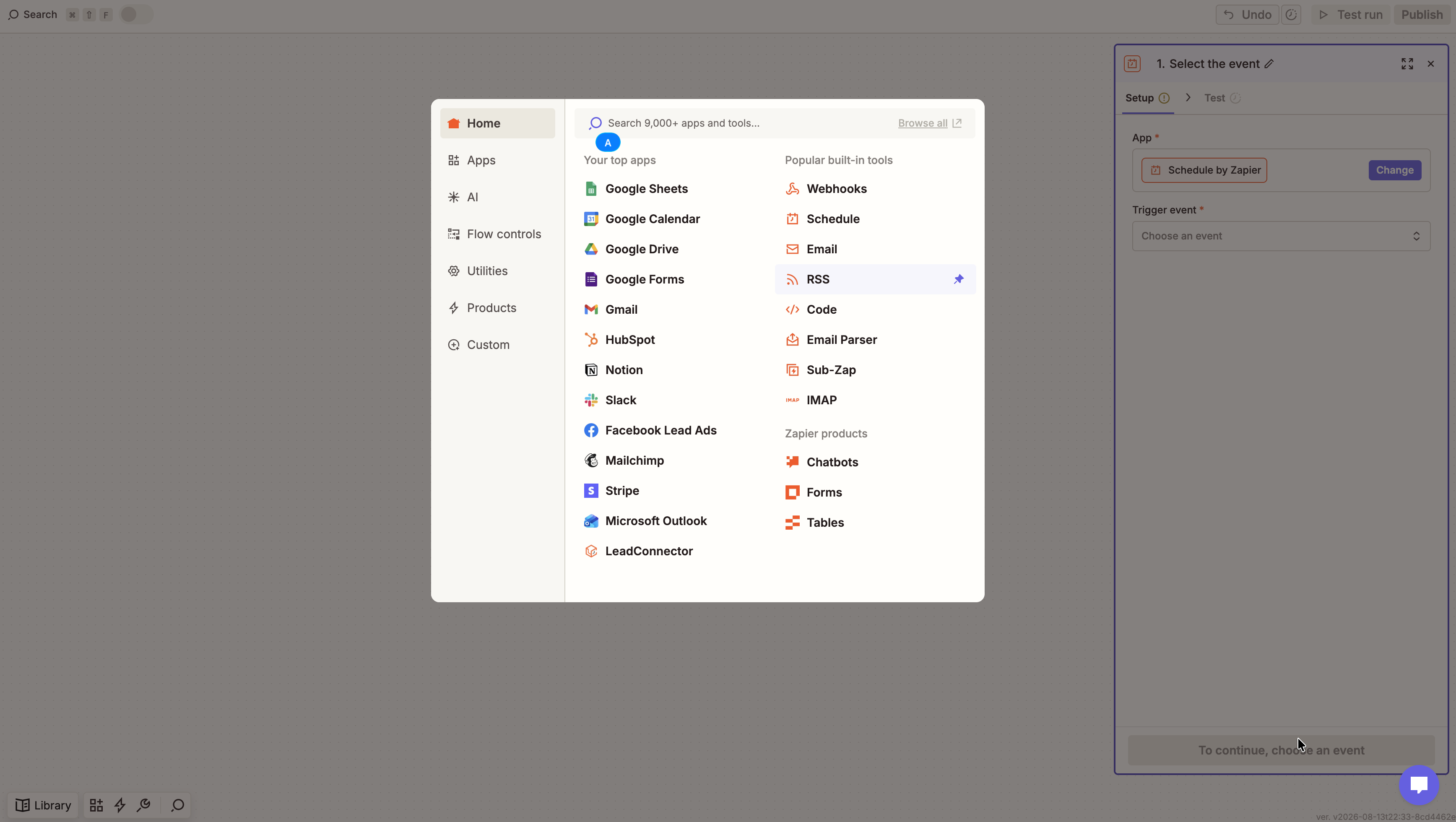
Create a Zap and pick Zoho Forms from Zapier's app picker as the trigger. Choose the event that fires when a new Zoho Forms entry is submitted, then connect your Zoho Forms account and continue.
- 2
Add Giggal.ai and pick an action
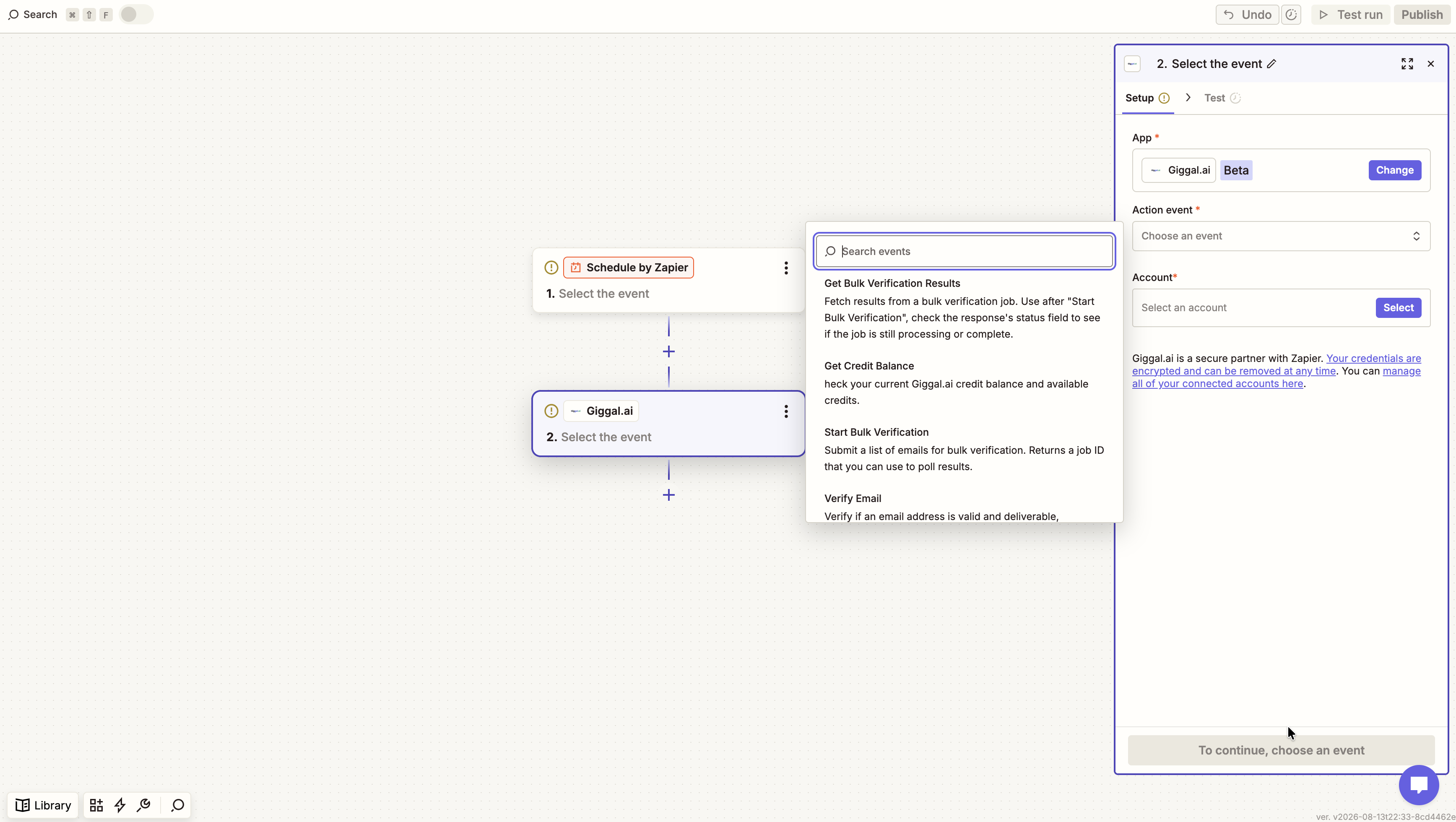
Add Giggal.ai as the action step. You get four actions: Verify Email for single addresses, Start Bulk Verification for whole lists, Get Bulk Verification Results to fetch a finished job, and Get Credit Balance. For one address at a time, pick Verify Email.
- 3
Connect your Giggal.ai account
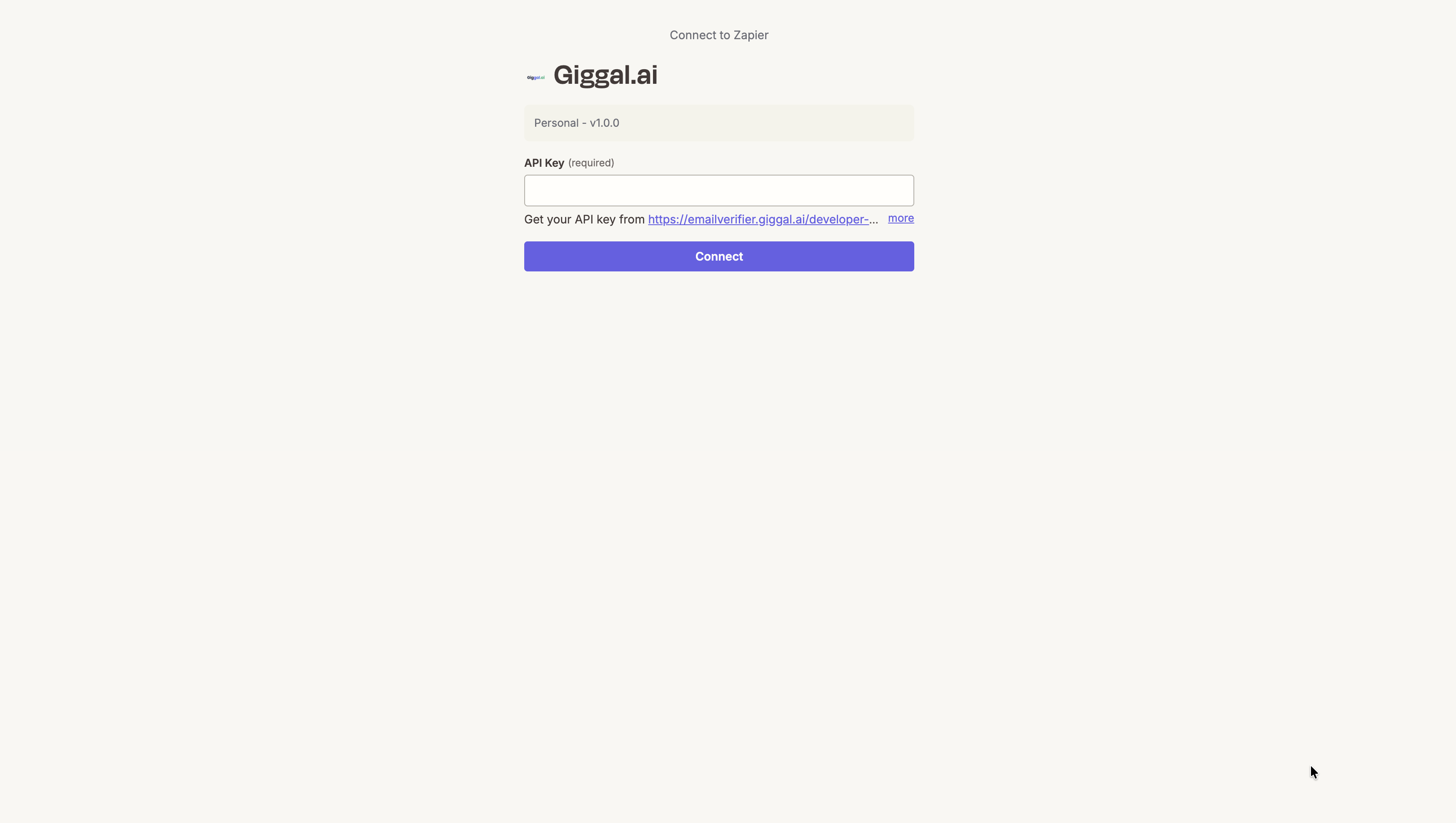
The first time Zapier asks, grab a key from your Giggal.ai dashboard: open the Developer API tab and click Create API Key. New accounts get 1,000 free credits with no card required, enough to test the whole flow.
- 4
Map the email field and route on the result
Point the Email input at the address field from your Zoho Forms submission and run a test. Then add a Zapier filter: deliverable addresses continue into your CRM or email list, invalid ones stop or get flagged for review, and catch-all results are routed by score.
Powered by a catch-all email verifier, not a standard checker
Most verifiers stop at a basic SMTP ping. SEG-protected addresses come back as unknown, and catch-all domains come back as risky. Giggal.ai verifies both. It bypasses secure email gateways like Proofpoint and Mimecast, runs deep verification on catch-all domains, and confirms the mailbox behind every address coming from Zoho Forms actually exists. Either way you get a clear valid or invalid result, and around 30% more of your list stays usable. That is what makes it a catch-all email verification tool rather than another checker. See how catch-all verification works.
Typos get caught while they are still fixable
Someone fat-fingers their email into a Zoho Forms form and normally you find out weeks later, when the campaign bounces. With verification in the Zap you know within seconds, while there is still a chance to do something about it.
Work emails on catch-all domains still count
Plenty of real signups come from company domains that accept any address. Other tools call those risky and you end up binning genuine leads. Giggal.ai checks the actual mailbox and gives you a score, so you keep them.
Nobody has to type their email twice
You do not need confirmation screens or re-enter-your-email fields to keep data clean. The check runs quietly inside the Zoho Forms Zap and the person filling the form never notices.
Zoho Forms + Giggal.ai FAQ
How do I verify Zoho Forms emails automatically?+
Connect Zoho Forms and Giggal.ai in a Zap. When a new Zoho Forms entry is submitted, Zapier sends the address to Giggal.ai, which runs a deep mailbox existence check and returns the result to the next step. Setup takes about five minutes and needs no code.
Can it verify catch-all emails coming from Zoho Forms?+
Yes, and that is the point of using Giggal.ai here. Around 30% of B2B addresses sit on catch-all domains that most verifiers just label risky. Giggal.ai is a catch-all email verification tool at its core: it resolves those addresses into a clear result with a score, so you keep leads other tools throw away.
Can I stop fake email signups coming through Zoho Forms?+
Yes. Every Zoho Forms submission is verified before it reaches the next step of your Zap. Disposable and mistyped addresses are labeled undeliverable, so you can filter them out automatically instead of discovering them as bounces in your next campaign.
What does each verification cost?+
One credit per email, with catch-all deep verification running in-line when needed. New accounts start with 1,000 free credits and no credit card.
What data comes back to my Zoho Forms workflow?+
Every check returns status (deliverable or undeliverable), risk level, deliverability score and the catch-all result. You can use any of these fields in Zapier filters, paths and later steps.
Verify Zoho Forms Emails Before They Cost You
Wire up Zoho Forms and Giggal.ai in five minutes. 1,000 free credits, no credit card, catch-all verification included.